In month view, hover over any day cell — a green + Event link will appear in that cell. Click it to start a new event on that date. You can also click the green Add Event button in the top-right of the calendar.
Fill in the title, start/end date and time, description, image, category, and location, then click Save or Save & Close to add the event to the calendar.
How to add categories & locations
Click the All Categories dropdown at the top of the calendar, then click Manage Categories. From there you can add, rename, color, and delete categories.
You can also manage them on the fly while adding or editing an event — just click Manage next to the Category field. Locations work the same way: click Manage next to the Location field in the event editor to add or edit reusable locations.
How to add event registration links
When adding or editing an event, scroll to the bottom of the event editor and click More Options to expand the extra fields. The Registration URL field is in there — paste your sign-up or ticket link (Eventbrite, Google Form, your own site, etc.).
Click Save or Save & Close. A Register button will then show up on the event details popup so attendees can click straight through to register.
How to edit and delete events
Click an event on the calendar to open its details. Use the pencil icon to edit it, or the trash icon to delete it.
For recurring events you'll be asked whether the change applies to only this occurrence or to the whole series.
How to set up recurring events
In the event editor open the Repeats section and pick a pattern: daily, weekly, monthly, yearly, or custom. Set an end date or a number of occurrences.
Use Exclude Dates to skip specific days in the series, or Custom Dates to add extra one-off dates that aren't on the regular pattern.
Share event
Share this event
Copy this link to share the event with others.
Events
Day events
Reminder
Set Event Reminder
Get an email reminder before this event. This reminder only applies to the occurrence you are viewing, not the entire series.
FBC Worship Service | Minister Trent Anderson | 10-25-26
Oct 26, 2026
Pastor Henry L. Perkins & 1st lady Perkins Retirement Service | Bishop Sean Teal | 10-18-26
Oct 18, 2026
FBC Worship Service | Rev. Warnell Brooks | 10-11-26
Oct 12, 2026
FBC Worship Service | Rev. Thomas Wilson | 11-1-26
MOBILE APP
Get quick access to news, sermons, events, newsletters, & more...
Download our app for free from the Apple or Google links below. Just install it and enable notifications so we can communicate with you directly.
FAMILYLIFE CENTER
Sharing Hope, Meeting Needs
Our Outreach Ministry at FBC Pittsburg is dedicated to serving the community with compassion and purpose. Through hands-on support, resources, and partnerships, we aim to reflect Christ’s love beyond the church walls.
Family Life Center
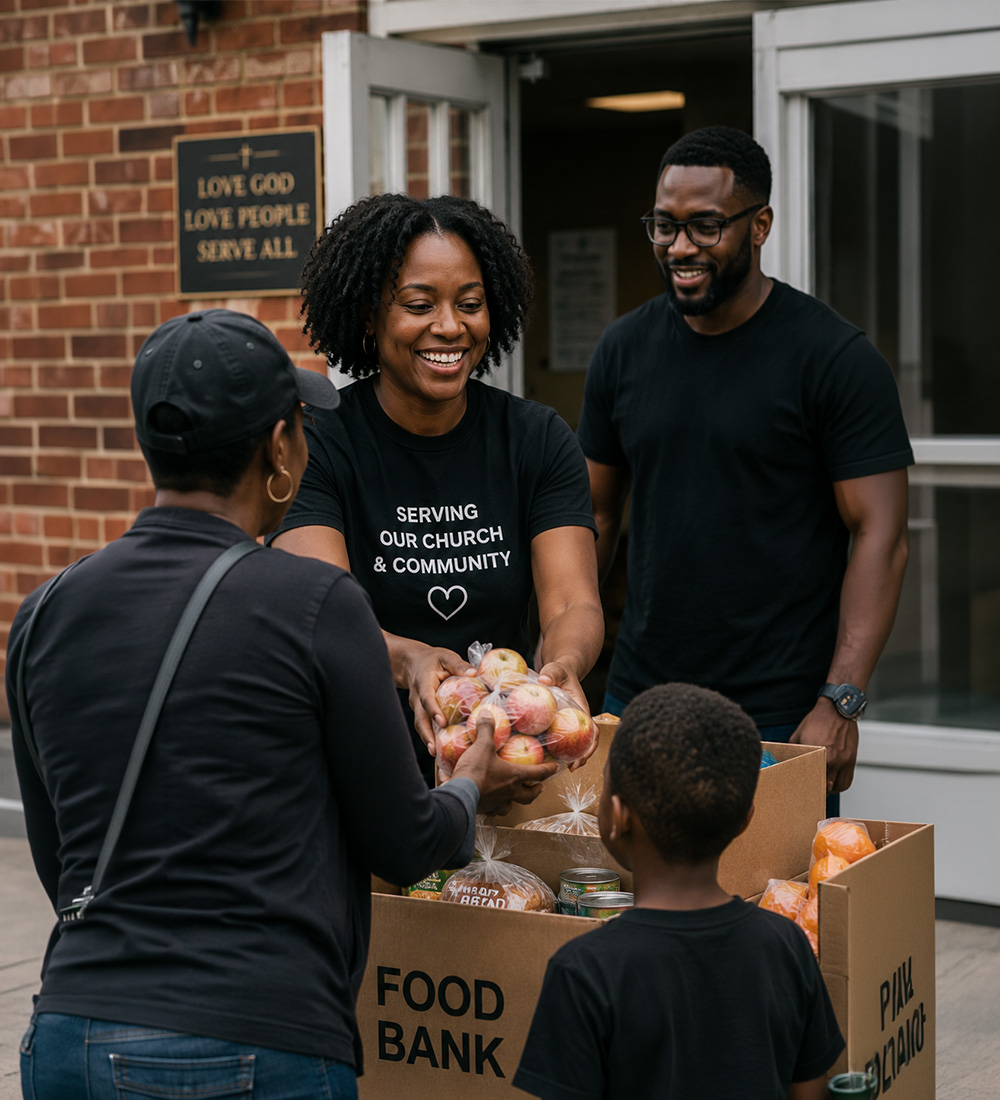
The Family Life Center exists to serve families within First Baptist Church and the surrounding community by providing practical resources, food assistance, housing support, and referrals. Through partnerships such as the Contra Costa County Food Bank, we are committed to reflecting Christ’s love through compassionate service and support during times of need.
The mission of the Family Life Center is to support individuals and families by offering food resources, housing assistance, referrals, and spiritual encouragement that promote stability and well-being.
Operating Hours
Tuesday & Thursday: 10:00 am - 4:00 pm
Fresh Produce Distribution
Fresh produce available through our mobile food program on: 1st & 3rd Thursday of each month @ 11:30 AM - 12:30 PM
Contact Information
For assistance or inquiries, please contact: